

If you’ve never tried making music with an AI tool, or if you’ve already got one you’ve subscribed to and are wondering what else is out there, we have great news: there are a TON of AI music generators out there that offer free accounts.
From the ENTIRELY free Sonauto to the regulated experiences on Suno and Udio, you’ve got options.
In this article, we’ll review our favorite free AI music options and tell you what they offer, plus their features, positives and drawbacks. If you haven’t taken a crack at making a song assisted by AI, you’re officially without excuses.
1. Sonauto (now Treblo)
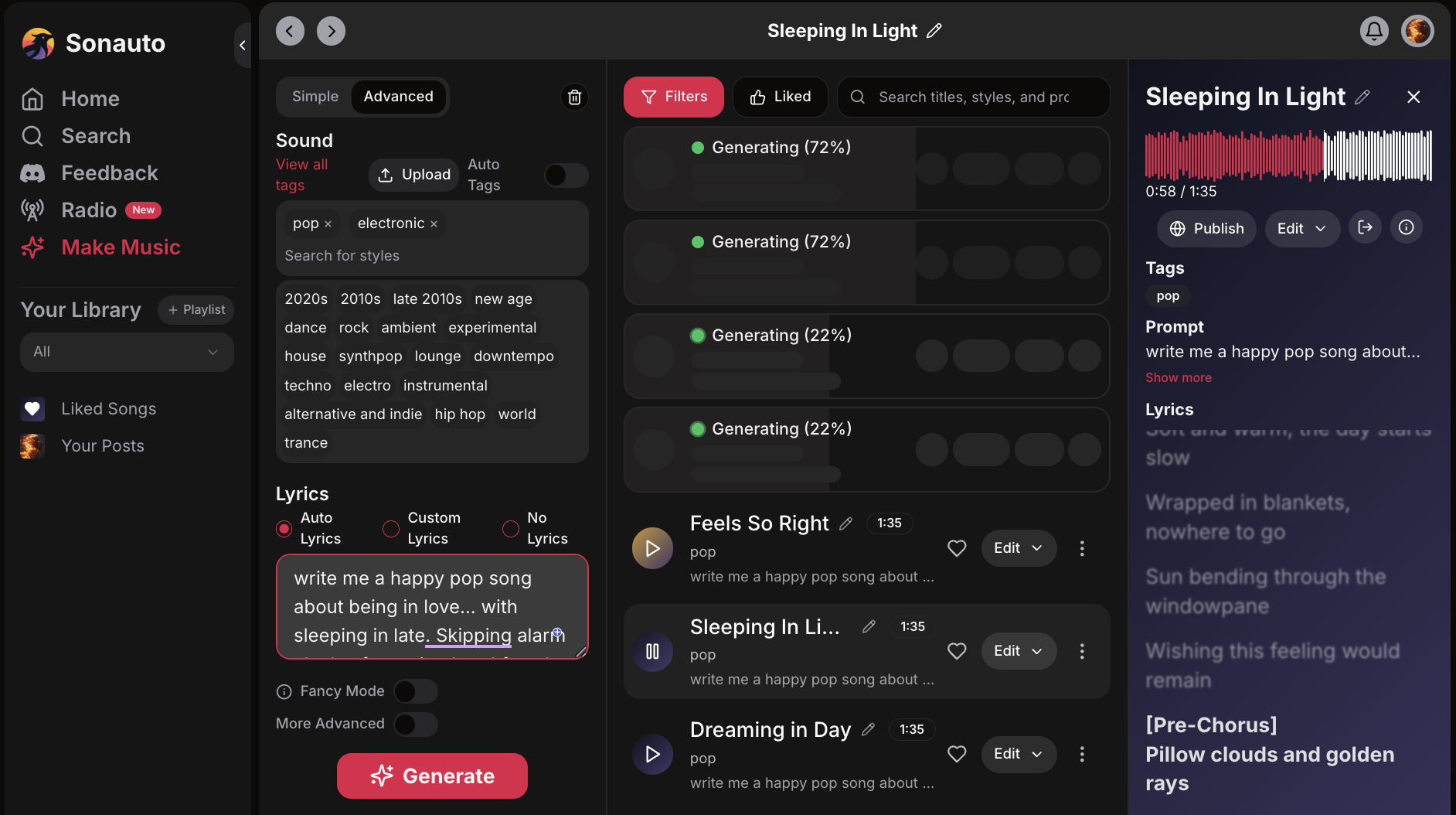
Sonauto “Make Music” page
What? You haven’t heard of Sonauto? In an AI-music world that is largely dominated by the “Big Two” (Suno and Udio), you might be surprised to hear that there’s a COMPLETELY FREE prompt-to-song AI tool. Its name is Sonauto.
That’s right; no credits, no limits, no ads — just making music. You can type a prompt like “moody synthwave with male vocals about midnight drives” and get a full track with lyrics and vocals in seconds.
Features: Sonauto’s advanced song generator lets you blend multiple styles (like trance, ambient, or cinematic, for example), write or auto-generate lyrics, and fine-tune the sound instructions before you hit “Generate” (to create two versions). You can adjust how closely the AI follows your lyrics, set or automate the BPM, and even activate experimental “boost” modes for bolder results. The interface supports full song structures — verses, choruses, bridges — giving creators professional-level control. Sonauto also allows for extending and editing the songs you make.
Free tier details: I mean, it’s entirely free. No paywall or usage cap. There isn’t a paid option even if you wanted one here.
Positives: Songs generated in less than a minute. Sophisticated customization settings. Storage. Playlists. Free downloads. You can prioritize quality over speed by switching on “fancy mode.” The array of options to fine-tune songs after generation is pretty robust with tools like Extend, Inpaint, Regenerate, and Stems, allowing partial edits, remixes, or layer exports without starting over. Its new Inpaint Tags feature even lets you retarget styles or vocals for just one section of a track — a big step toward full in-browser production.
Drawbacks: Its interface can be a bit clunky at times. When specifying more than one genre/style, Sonauto had a hard time sticking to the script. Example: A trance/dark/pop/ambient/cinematic track had smooth saxophone on it somehow. Also, though Sonauto’s singing voices don’t sound particularly AI (a positive), they seem to have issues with pronunciation and hard-to-pinpoint accents, which can be distracting. Also, each song generation is only 1:35 long, although you can extend if you choose. You can only extend 30 seconds at a time.
But if I wanted to pay? Too bad. There’s no option for this. But if you want to use their API on your website so people can generate songs that way, priced between $11 and $1,150 per month.
Take a listen to two songs generated by Sonauto with the same prompt — a happy pop song about being in love with sleeping in late — the first as a regular generation, the second using “Fancy Mode” that prioritizes quality over speed.
2. Producer.AI
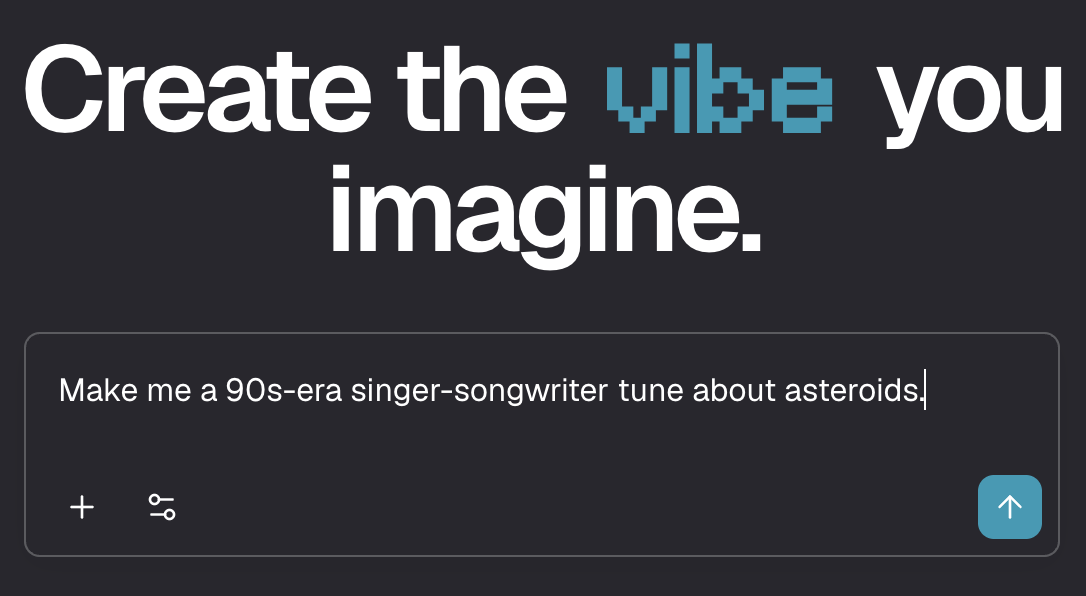
Producer.AI homepage
Producer.AI is one of the fast-rising kids on the block of AI generation. In addition to their chatbot-like back-and-forth for making music (they’re trying to replicate the experience of working with a real producer in-studio), they offer a pretty vast swath of features — even for the Free tier accounts.
You can search, browse, and favorite other users’ tracks while training the platform’s “Personalize” system, which learns your musical fingerprint and rewards creative progress with smarter, more tailored generations.
It’s also community-driven: the Turntable feature lets you rate how well songs match their prompts, while Vibes lets you upload short clips to expand, remix, or evolve into full tracks that reflect your unique sound.
Features: Producer.ai’s generator gives you two simultaneous track generations per session, resetting daily. You can select a genre, mood, or vibe (like melancholic indie rock ballad or upbeat summer pop anthem), and the AI handles lyrics, singing voices, instruments, and mixing. The interface allows you to preview, edit, or remix existing generations — and you can easily build songs layer by layer. It supports fully lyric-based prompting, giving creators more control over tone and storytelling.
Free tier details: Two concurrent generations per day, resetting daily. Songs are only for personal license, but since you can’t download/export them anyway (a paid tier feature), there’s not much risk there.
Positives: Easy to use with polished vocals and surprisingly thoughtful lyrics (one “asteroid” prompt turned into a shockingly poetic love song). Great for testing song ideas without a DAW, and running multiple generations at once speeds up experimentation.
Drawbacks: The free plan limits daily use, and some songs sound formulaic or overly modern. Genre accuracy is hit-or-miss, and the chat-style interface can be inconsistent — one great track turned robotic when switching from a male to a female voice.
But if I wanted to pay? You’ll have many more credits to play with if you pay for even the lower-tier “Starter” account (3,000 credits/600 songs per month).
Take a listen to “Stone in the Dark,” written and produced by Producer.AI.
3. Suno

Suno homepage
As you probably already know, Suno is the heavyweight of AI song generation and the one that keeps setting the bar for everyone else. You can prompt Suno with more than just a text prompt; it can run with hums, an uploaded song (which you own of course), or even an image. Within about a minute, it transforms that input into a fully produced track with vocals, lyrics, structure, and mix.
Features: Suno lets you type a prompt like “nostalgic indie pop with female vocals about moving on” or paste your own lyrics, and it handles everything else — melody, instruments, mixing, and mastering. You can tweak the vibe with styles, regenerate songs, or publish them to Suno’s built-in community feed. Each generation gives you two distinct versions to choose from, and the generations are, well, generous (typically 2-4 minutes each).
Free tier details: Suno’s free plan includes access to the solid and beloved v4.5-all with 50 credits per day (about 10 songs), no commercial use, and standard features only. You can upload up to one minute of audio, use a shared creation queue, and there are no options to buy extra credits. You have access to a lot of the Suno tools, actually. You can create Hooks (videos for your songs), make covers, extend songs, reuse styles or lyrics, and adjust playback speed — as long as you have the credits.
Positives: Suno’s production quality is pretty good, even with version 3.5. Where it shines with that model is its instrumentation; real instruments sound pretty spot-on, while electronic beats soar. You can download all of your tracks (but as mp3, not wav) without using any credits. As a teaser for paid plans, you can hear a minute or less of what your track may sound like in v5.
Drawbacks: The free plan only allows you to use Suno version 3.5, which is far inferior to its current v5 (and, for that matter, some of the other free options on this list). The vocals on these songs, while impressive, are obviously AI.
But if I wanted to pay? Suno has two paid tiers, Pro ($6/mo) and Premier ($18/mo). Both give you access to all the different bells and whistles of Suno, though the only way to get the new DAW-like Suno Studio is with the Premier membership.
4. Udio
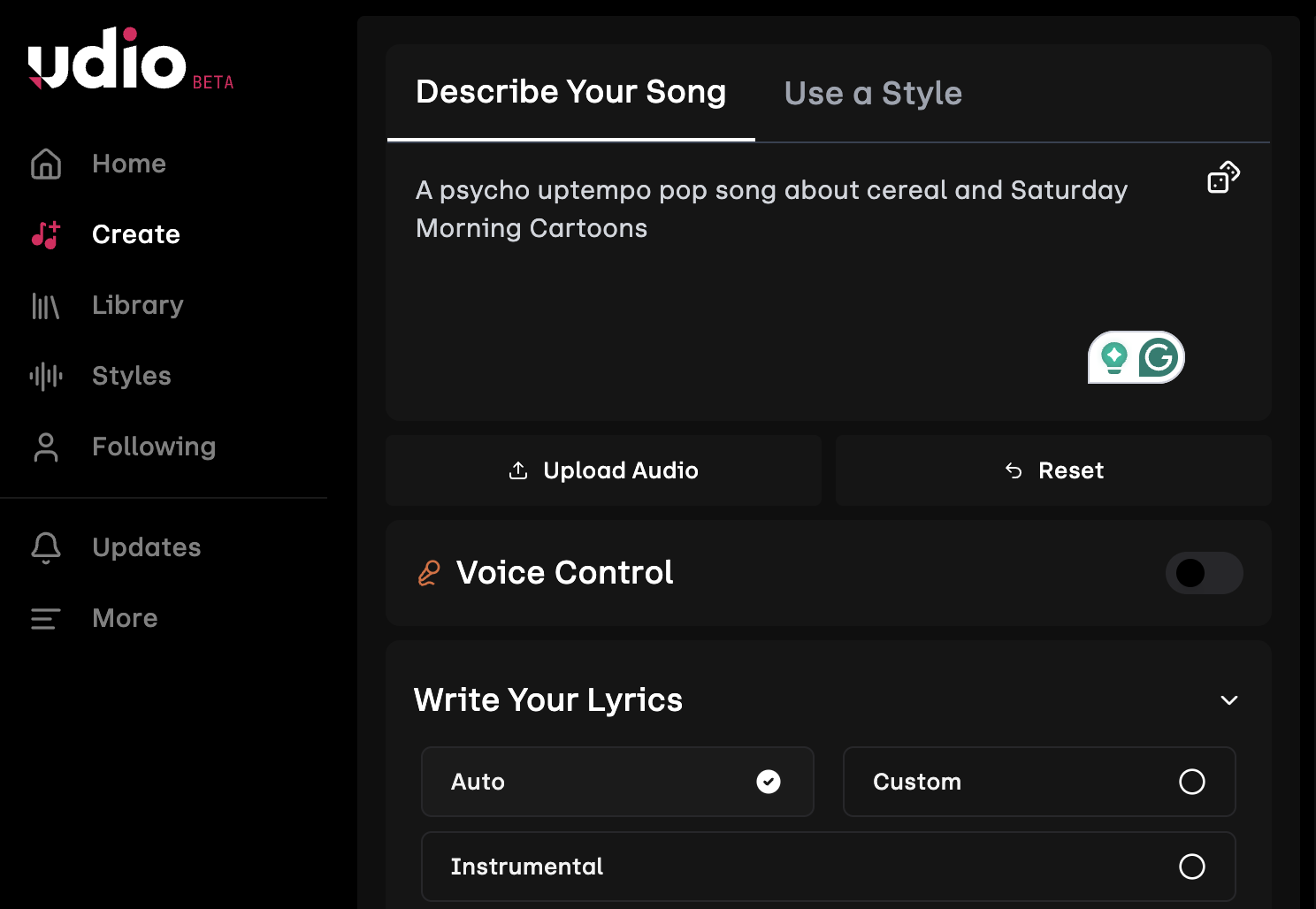
Udio “Create” page
Udio is the other half of the “Big Two” in AI music. This music tool was created by former Google DeepMind engineers and designed to make song generation feel fast, collaborative, and effortlessly musical. It can turn a short text prompt into a full, polished song, but it also leans into community creativity with tools for remixing and sharing.
Features: Udio lets you start with a simple prompt like “cinematic synth ballad about chasing starlight” or upload lyrics, melodies, or audio snippets to guide the generation. Each song comes with two unique variations, and you can adjust mood, instrumentation, and vocal tone to refine your results. Once generated, you can remix other users’ songs, add your own lyrics, or extend the track to build out a full composition. Udio’s feed-style interface makes it easy to explore and collaborate — a blend of a studio and social platform.
Free tier details: The free plan gives you 10 credits a day, but no more than 100 per month, and skipping days doesn’t save up extra credits. You can share, remix, or download MP3s. You can also specify lots of details about each generation, including clip timing, lyric timing, and the speed vs. quality dial. You can choose to make a 30-second song (1 credit each, two at a time) or a 2-minute song (2 credits each).
Positives: Udio’s audio quality is top-notch, with balanced mixes and expressive, natural vocals that rival Suno’s. It’s sleek, fast, and consistently creative. Its instrumentals are impeccable, and vocally, Udio shines with period-specific stylistic color, like ‘60s doo-wop or classic country.
Drawbacks: The free credits vanish quickly, especially if you’re iterating or remixing often. And the 2 credits per song is actually 4 credits, taking into account the 2 songs-at-a-time cadence. Songs are short (around 2:10), and vocal models vary in their quality. Contemporary pop songs, for example, “sound AI” while more era-specific vocals are superior.
But if I wanted to pay? Udio has two paid tiers, Standard ($8/mo when paid annually) and Pro ($24/mo). Paid Udio tiers remove daily limits and add pro tools — letting you make longer songs, edit lyrics and vocals, generate from uploads, download stems, and produce in bulk with far more credits.
Take a listen to “We Are the Cereal Kids,” written and produced by Udio Free.
Even MORE Free AI Music Tools
These four are just the beginning; here are some additional options for the curious:
Beatoven.ai — Builds mood-based background tracks.
Free tier: 15 minutes of music per month.
Why it’s great: Ideal for content creators needing royalty-free scores.Mureka — Guides you through melodies, chords, and lyrics before rendering audio.
Free tier: Limited daily use.
Why it’s great: Great for structured, collaborative songwriting.ElevenLabs / Eleven Music — Adds singing voices to its famous speech models.
Free tier: Limited credits for short samples.
Why it’s great: Hyper-realistic vocals perfect for demos or layering.AISongGenerator.ai — Turns a quick prompt into a full track.
Free tier: One free generation daily (two variants).
Why it’s great: Lightweight and fun for quick experiments.MakeBestMusic — Focuses on songwriting and short vocal ideas.
Free tier: A few short runs per day.
Why it’s great: Simple, melodic, and easy for lyric testing.Stable Audio — Generates text-to-music instrumentals.
Free tier: 20 tracks per month (45 s each).
Why it’s great: Perfect for cinematic or ambient textures.