
Suno Is Now Accessible from Claude (and Other MCP Clients)

Most of us use Suno the same way:
Type prompt → Generate → Maybe extend → Download.
It works. It’s clean. It’s powerful.
But quietly, something more modular has emerged: you can now plug Suno into an AI assistant like Claude Desktop and let the assistant generate, extend, and manage songs for you.
That system runs on something called Model Context Protocol (MCP).
If that sounds intimidating — don’t worry. You don’t need to understand the protocol to use it.
This guide will show you:
• What this actually does
• Why you might care
• How to try it without becoming a developer
First: Why Would You Even Want This?
Let’s be honest.
If you’re just making a song here and there, Suno’s interface is perfect.
But MCP becomes interesting if you:
Like structured songwriting workflows
Want to generate variations automatically
Want to chain steps (lyrics → song → extend → revise)
Are experimenting with “AI producer” style processes
Like the idea of talking to your assistant instead of clicking buttons
Instead of:
You → Suno
It becomes:
You → AI assistant → Suno → back to you
That changes the feel of creation.
What This Actually Unlocks
With Suno plugged into Claude via MCP, you can say things like:
“Write cinematic synth lyrics, generate the song in v5, extend it with a minimal bridge at 2:15, then try a darker variation.”
And the assistant can execute those steps in sequence.
That’s not just generation.
That’s orchestration.
It feels less like “rolling the dice” and more like directing a producer.
How to Do This (The Simplest Path Possible)
You do not need to build anything from scratch.
Here’s the beginner route:
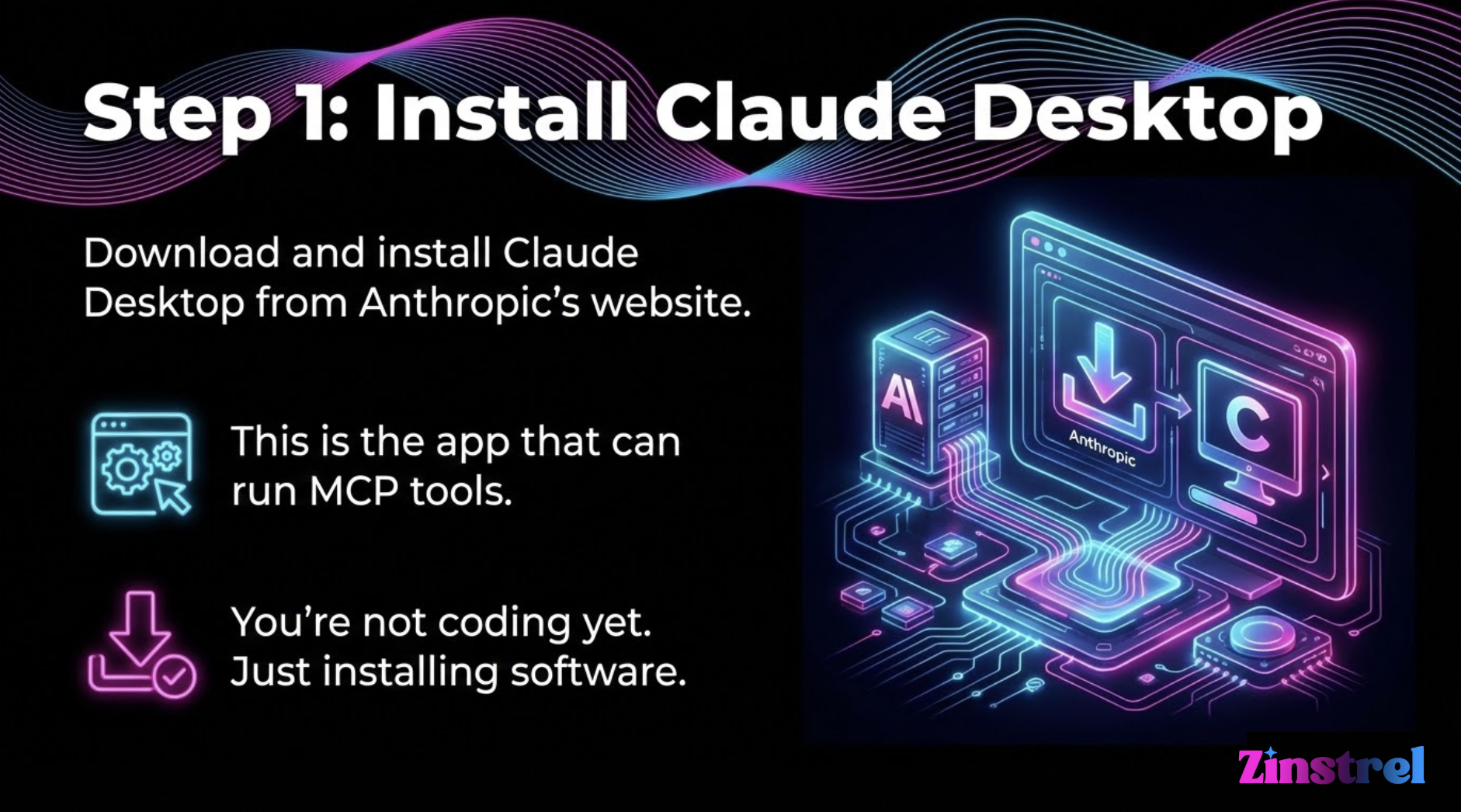
Download and install Claude Desktop from Anthropic’s website.
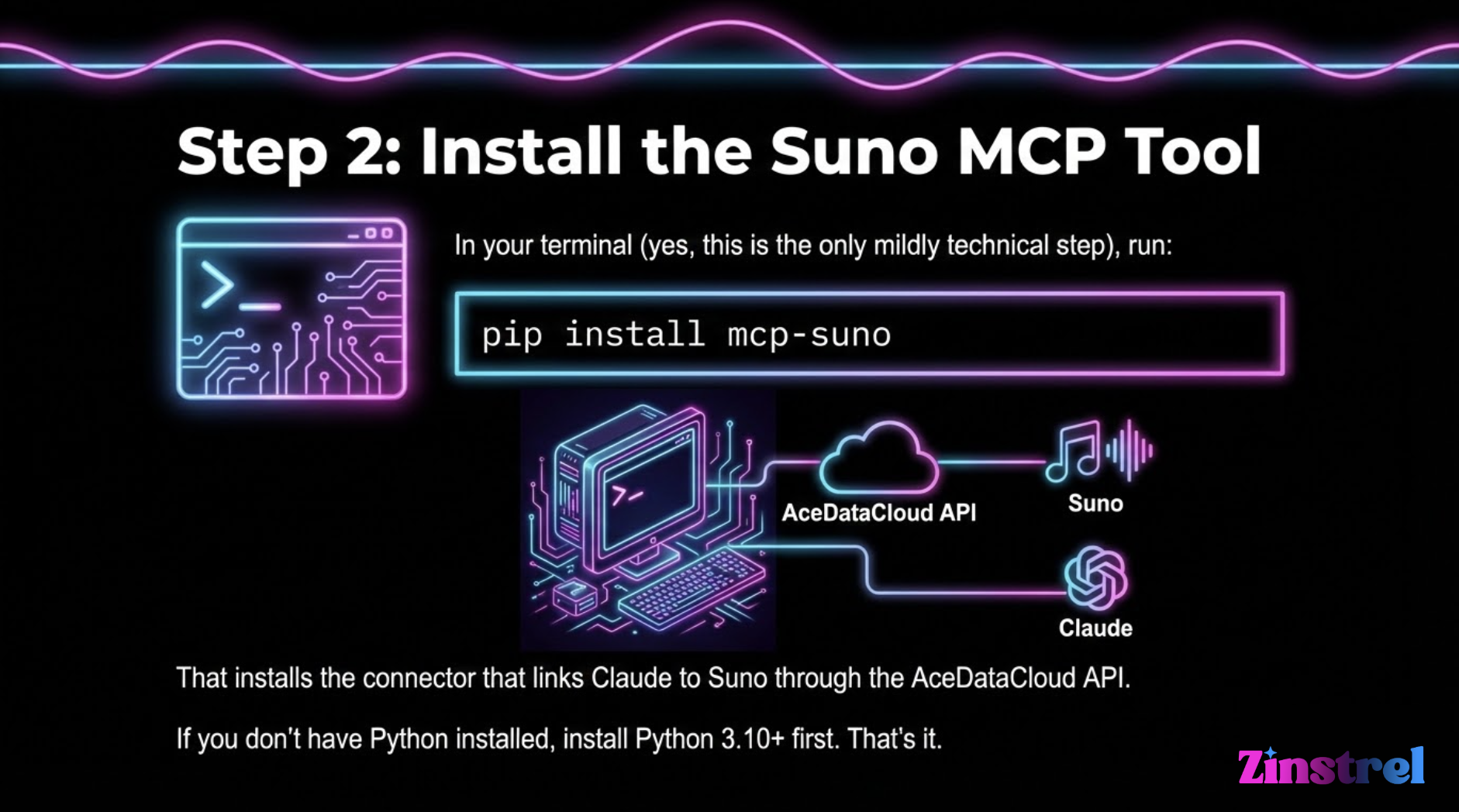
If you don’t have Python installed, install Python 3.10+ first.
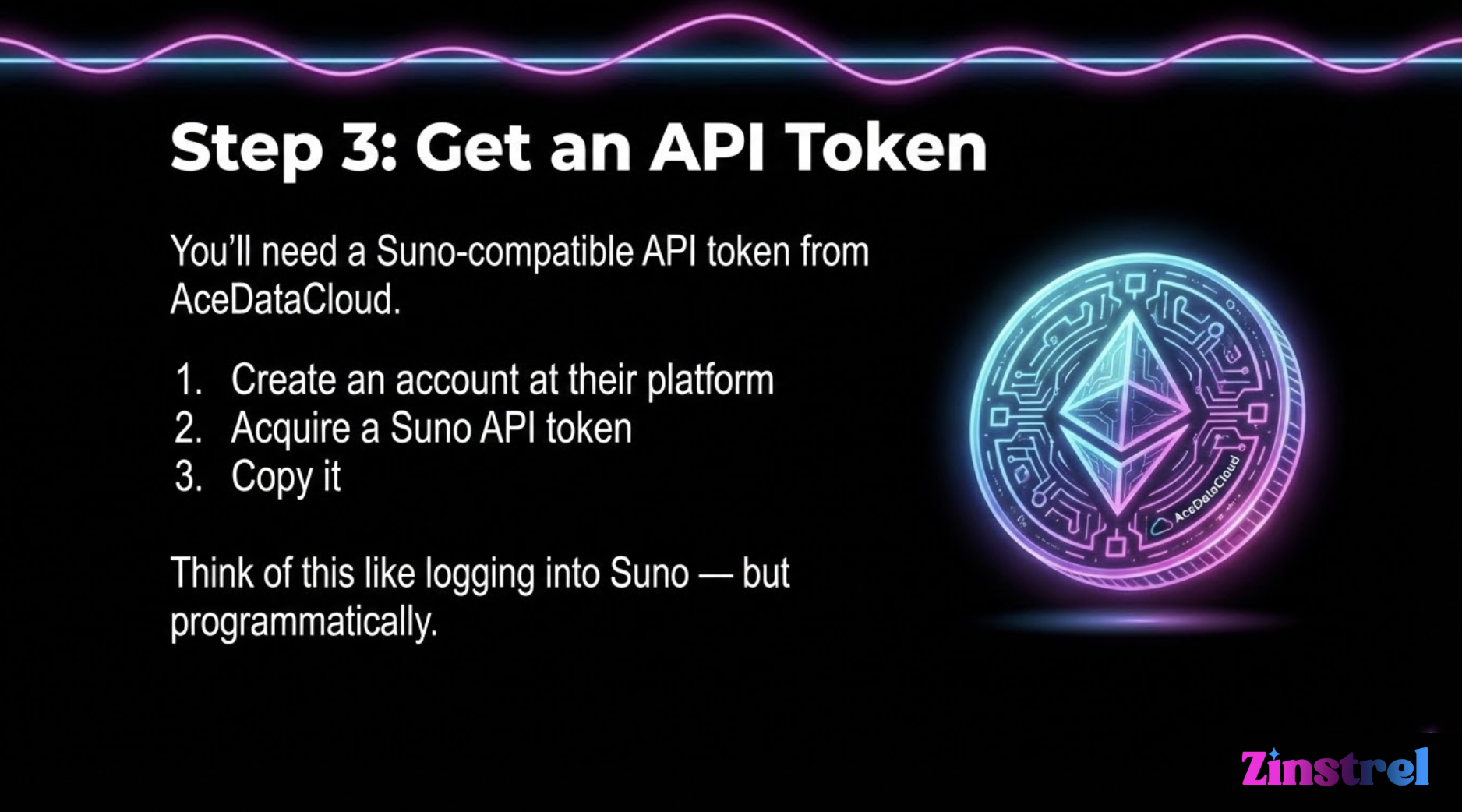
Get a Suno-compatible API token from AceDataCloud.
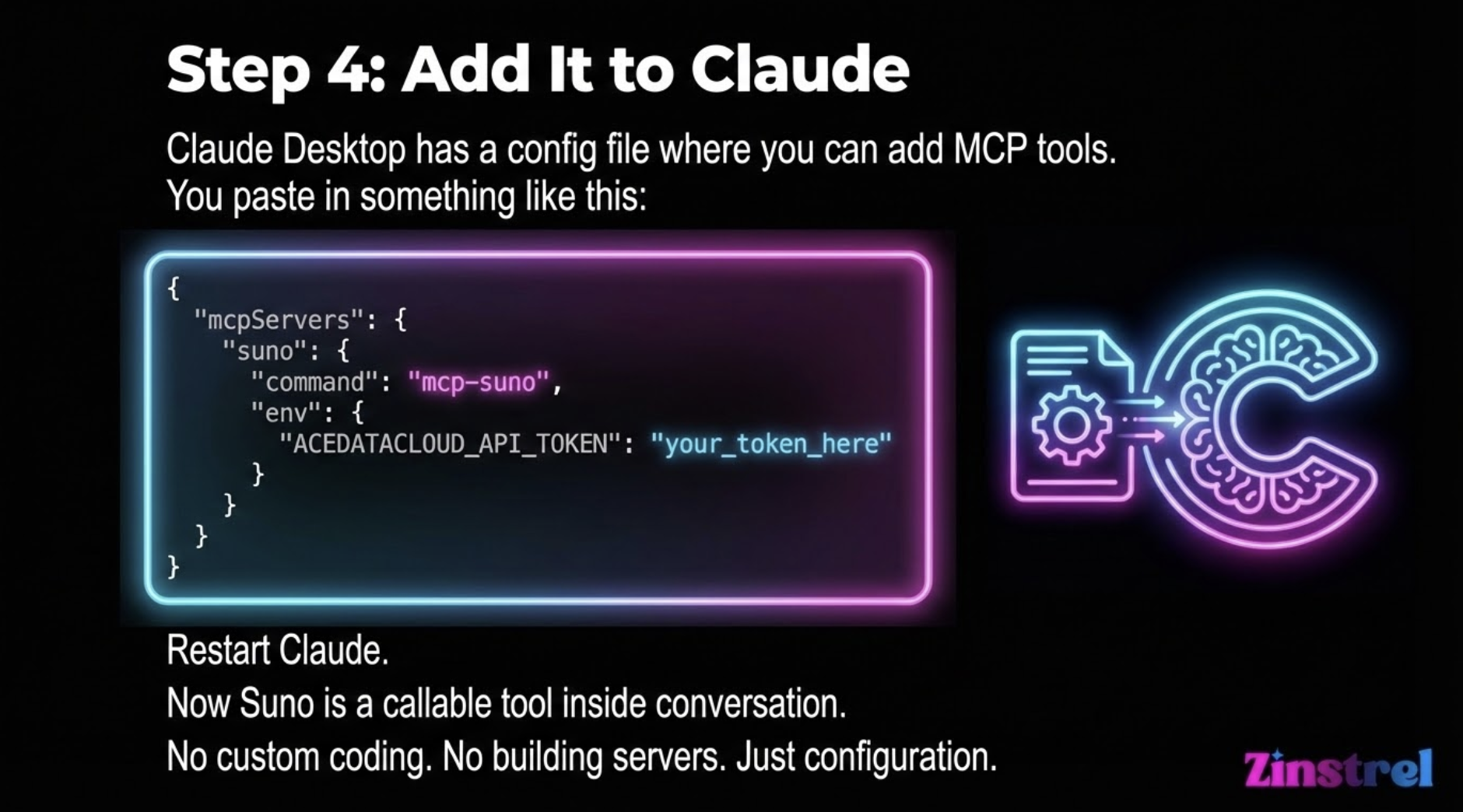
Here’s the config code:
**{ "mcpServers": { "suno": { "command": "mcp-suno", "env": { "ACEDATACLOUD_API_TOKEN": "your_token_here" } } } } **
What It Feels Like After Setup
Instead of manually:
Writing lyrics
Copying into Suno
Generating
Extending
Trying again
You can say:
“Let’s iterate this chorus three times and compare.”
Claude can call:
generate_music
extend_music
generate_custom_music
And return structured results.
It becomes conversational production.
Is This Better Than the Suno Website?
For casual use? No.
For experimentation? Yes.
Here’s where it shines:
1️⃣ Structured iteration
Ask for multiple variations and compare them quickly.
2️⃣ Chain-of-creation workflows
Lyrics → track → extend → persona → remix, all directed conversationally.
3️⃣ Building something bigger
If you ever wanted to:
Create an AI radio experiment
Auto-generate soundtrack libraries
Build a creative pipeline
Prototype a music product
This is how you’d start.
The Bigger Picture (Why This Is a Signal)
This is subtle but important.
When music models become tools inside assistants, the assistant becomes the creative interface.
Not the platform.
That shifts power toward workflow builders and away from single interfaces.
For creators like you — the kind who think in systems, not just tracks — that’s where the interesting stuff starts happening.
Should You Try It?
Sure, if you:
• Like tinkering
• Enjoy creative automation
• Want to explore AI producer workflows
• Care about the “modular vs walled garden” future
If you just want to make songs fast?
Stay in Suno’s UI.
